
Stay in Sync with Your Friends, Wherever You Are.
Privacy-first social networking
Get notified when friends are nearby without sharing your exact location. Stay connected on your terms with complete privacy control.
Features
Stay connected, stay private: Vicinity gives you the tools to connect with friends while maintaining complete control over your privacy and location data.
Proximity Map
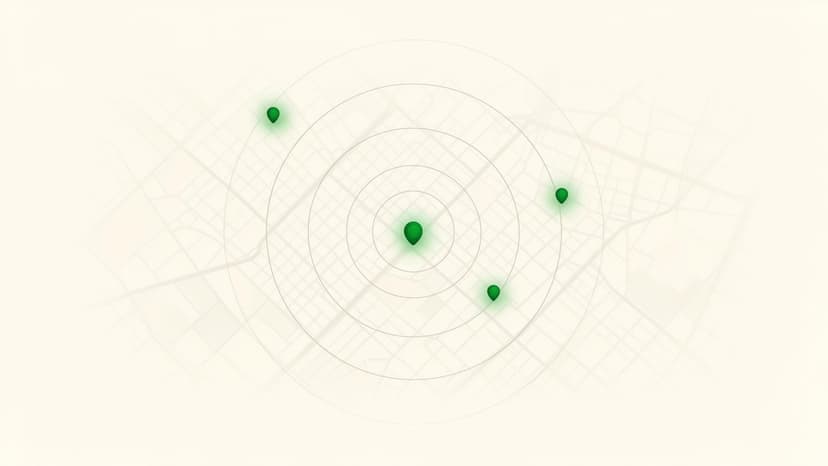
Get a live map view of who's around — based on your privacy settings and chosen radius.
Friends Nearby Alerts
Get notified when friends are in the same city, within a radius you choose, or when your trips overlap.
Privacy Controls
Share only what you want — from exact visibility with close friends to only proximity with others.
How It Works
Choose your privacy mode
Set your radius
Get notifications when it matters
Privacy-first social networking for the modern world
Vicinity uses city-level and proximity-based awareness to keep you connected — without ever exposing your exact location.
You control your radius: choose city-wide visibility, a custom nearby range, or share more precise proximity with your close friends only.
It's social networking designed around the way trust actually works.
Why Choose Vicinity?
Stay Connected
Never miss a chance to meet up with people you care about.
Never Miss Out
Get notified when friends are nearby or when plans overlap.
Total Control
Your privacy settings are always in your hands.
Download Vicinity
Free to download. No subscription. No ads.
By downloading, you agree to our Terms and Privacy Policy.
Frequently Asked Questions
No. Vicinity never shares your exact GPS coordinates. Instead, it uses city-level or radius-based proximity signals so friends know you're nearby — without knowing your precise location.
You choose a radius (for example, 5 km). When a friend enters that radius around your general area, both of you get a notification — but neither sees the other's exact pin on a map.
Vicinity is designed to use minimal battery. It relies on efficient, low-power location signals and processes proximity checks on the server side to keep your phone running smoothly.
Absolutely. You have full control over your privacy settings. Choose to share proximity with all friends, close friends only, or no one at all — and change your settings anytime.
Go to Profile → Settings → Delete Account inside the app, or email hello@usevicinity.com with the subject line 'Delete Account'. We'll process your request promptly.